Sync Multiple Outputs
Toggle related outputs together
When a single code cell produces multiple outputs (a printed summary, a plot, a table), you might want them to toggle together rather than separately. Sync mode does exactly that.
Synced toggle buttons have a blue left border so you can tell they’re linked.
Configuration
Enable sync mode in your settings:
extensions:
  toggle:
    output-toggle: true
    output-sync: true
Or per-cell with #| output-sync: true.
Individual Mode (Default)
Without sync, each output gets its own independent button. Click one and only that output hides.
print("First output - has its own toggle")[1] "First output - has its own toggle"print("Second output - toggles independently")[1] "Second output - toggles independently"```{r}
print("First output - has its own toggle")
```
```{r}
print("Second output - toggles independently")
```Synced Mode
With sync enabled, all outputs from the cell toggle together. Notice the blue border on the buttons. Click any of them and all outputs respond.
cat("Part 1: Summary\n")Part 1: Summarycat("Mean:", mean(1:10), "\n")Mean: 5.5 cat("SD:", sd(1:10), "\n\n")SD: 3.02765 cat("Part 2: Visual\n")Part 2: Visualbarplot(1:5, names.arg = LETTERS[1:5], col = "steelblue")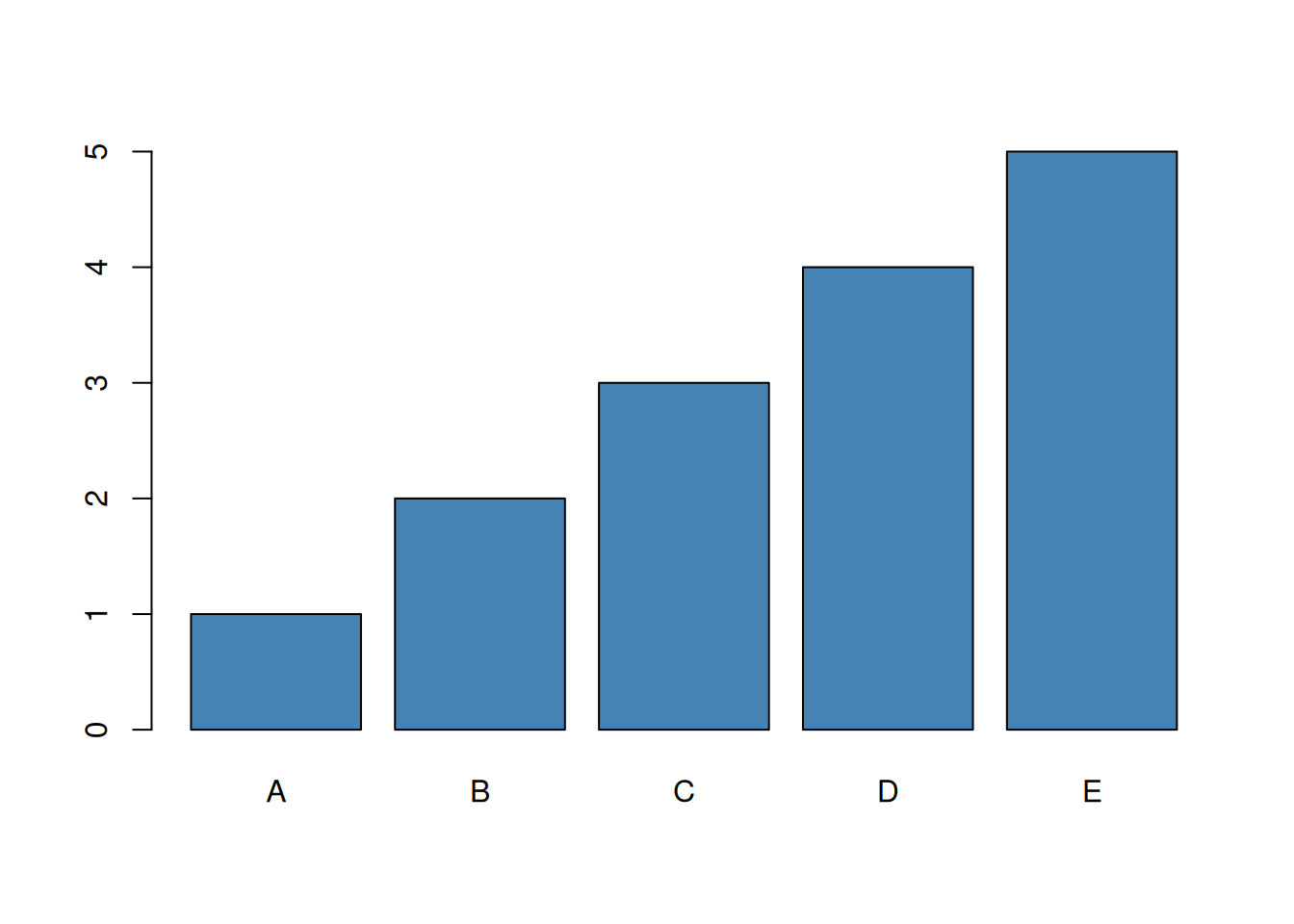
cat("\nPart 3: Complete\n")
Part 3: Complete```{r}
#| output-sync: true
cat("Part 1: Summary\n")
cat("Mean:", mean(1:10), "\n")
cat("SD:", sd(1:10), "\n\n")
cat("Part 2: Visual\n")
barplot(1:5, names.arg = LETTERS[1:5], col = "steelblue")
cat("\nPart 3: Complete\n")
```Mixing Modes
You can use document-wide sync for most cells and override specific ones:
cat("This cell uses individual mode\n")This cell uses individual modecat("Each line toggles separately\n")Each line toggles separately```{r}
#| output-sync: false
cat("This cell uses individual mode\n")
cat("Each line toggles separately\n")
```Summary
Use output-sync: true when multiple outputs from the same cell belong together conceptually. Synced buttons show a blue border and toggle as a group. Use individual mode when readers should control each output separately.